DuoBowl® WiFi Feeder
DuoBowl® WiFi Feeder
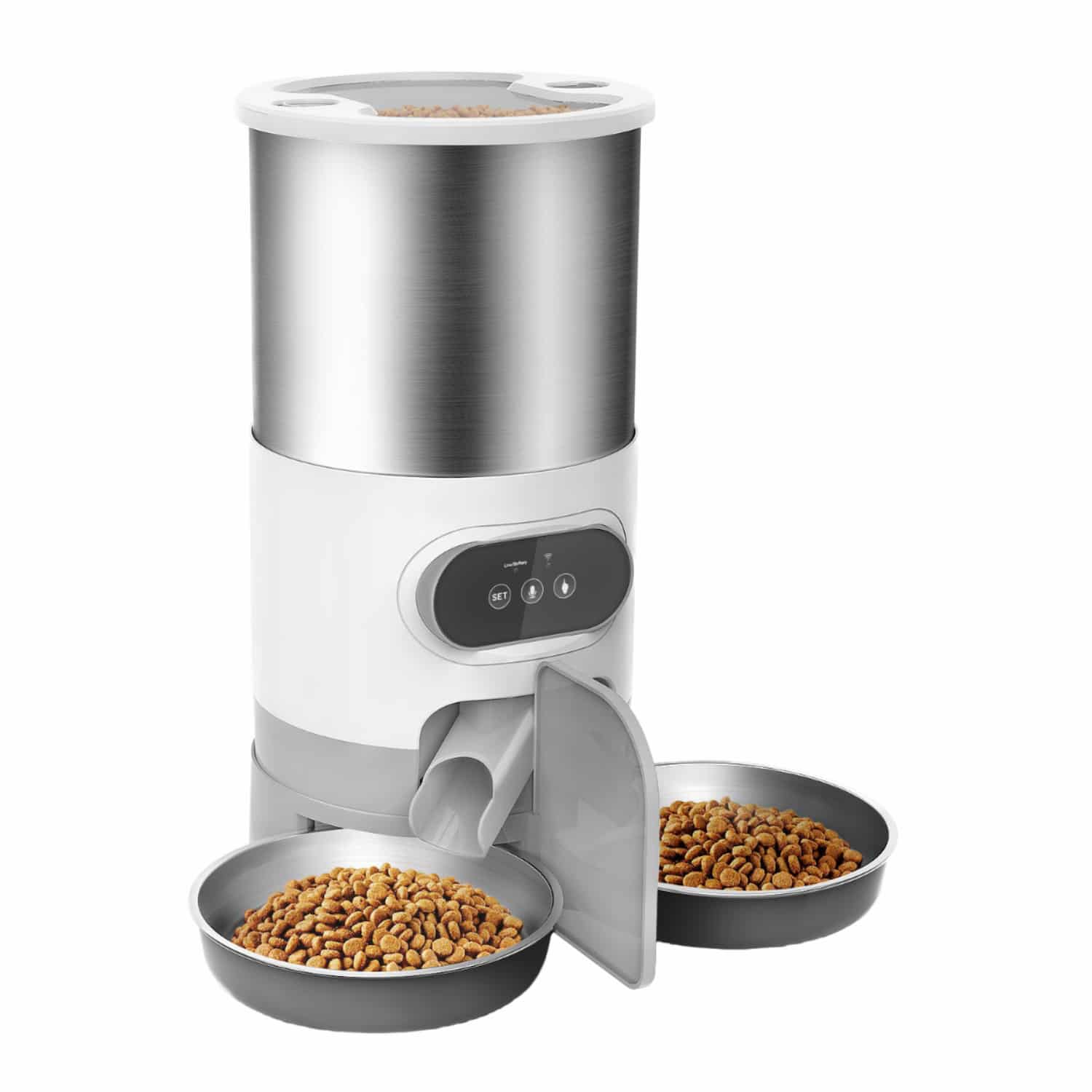
A connected feeder that splits every scheduled meal into two stainless steel bowls, so two pets get their own share at the same time.
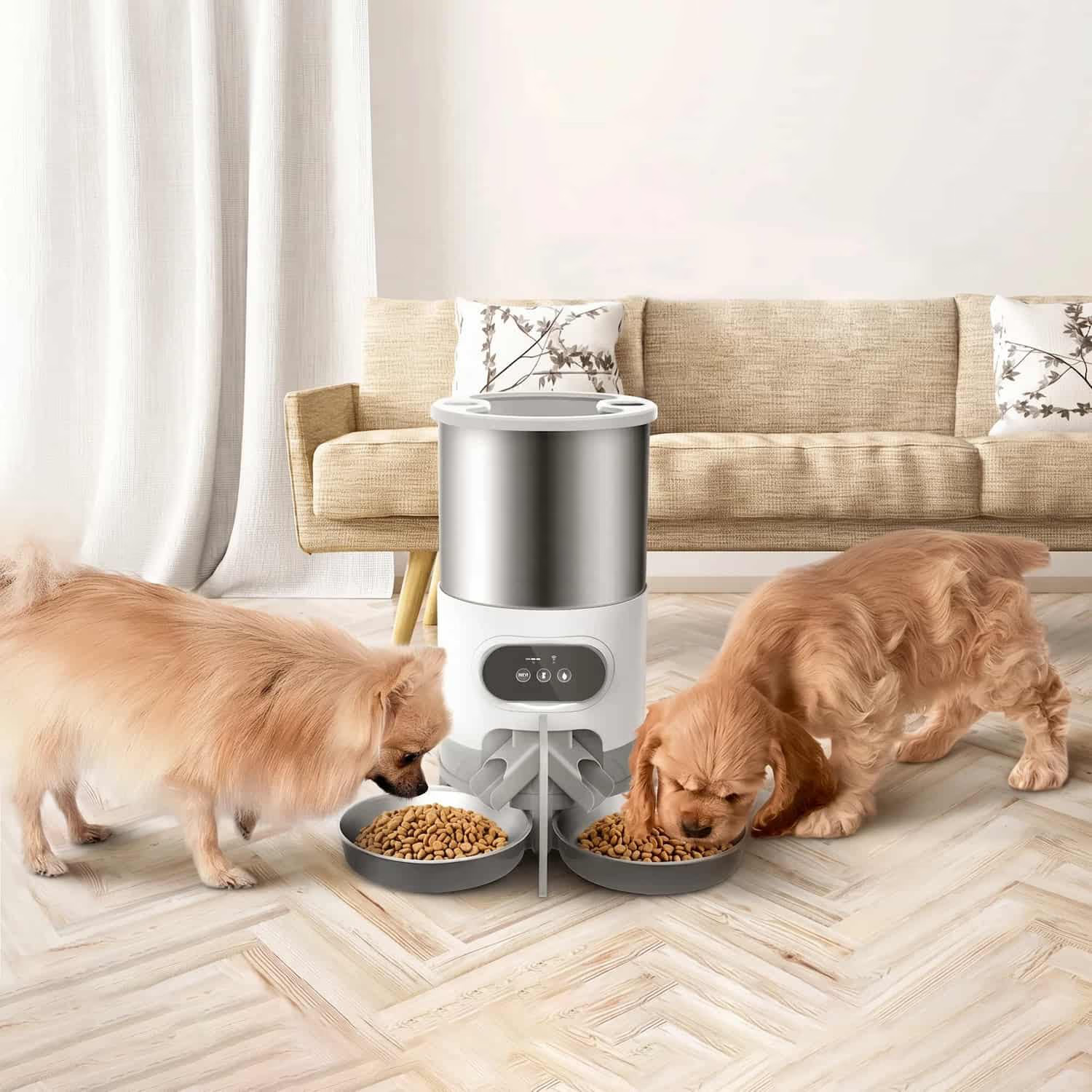
Two Bowls From One Feeder, So Two Pets Eat At Once
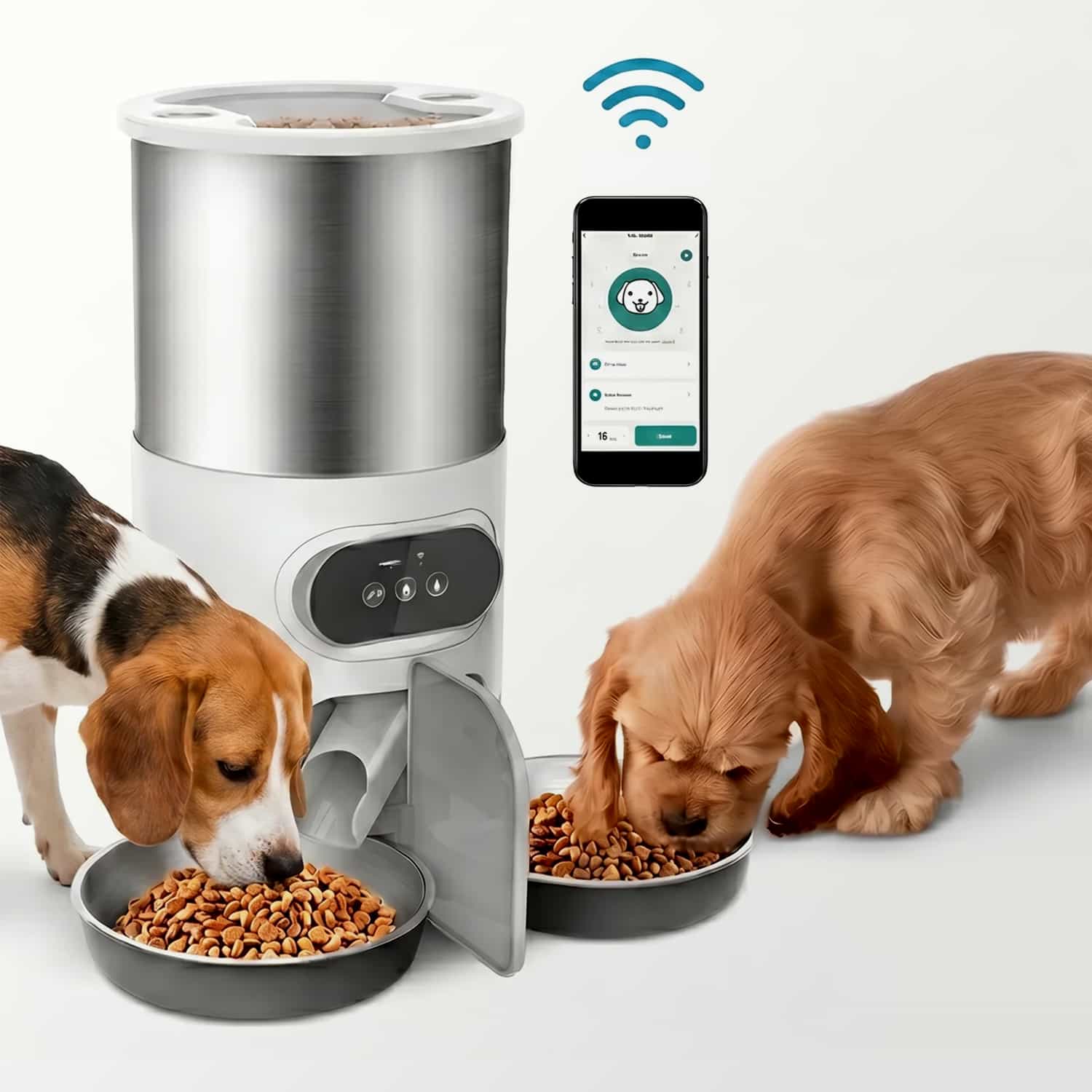
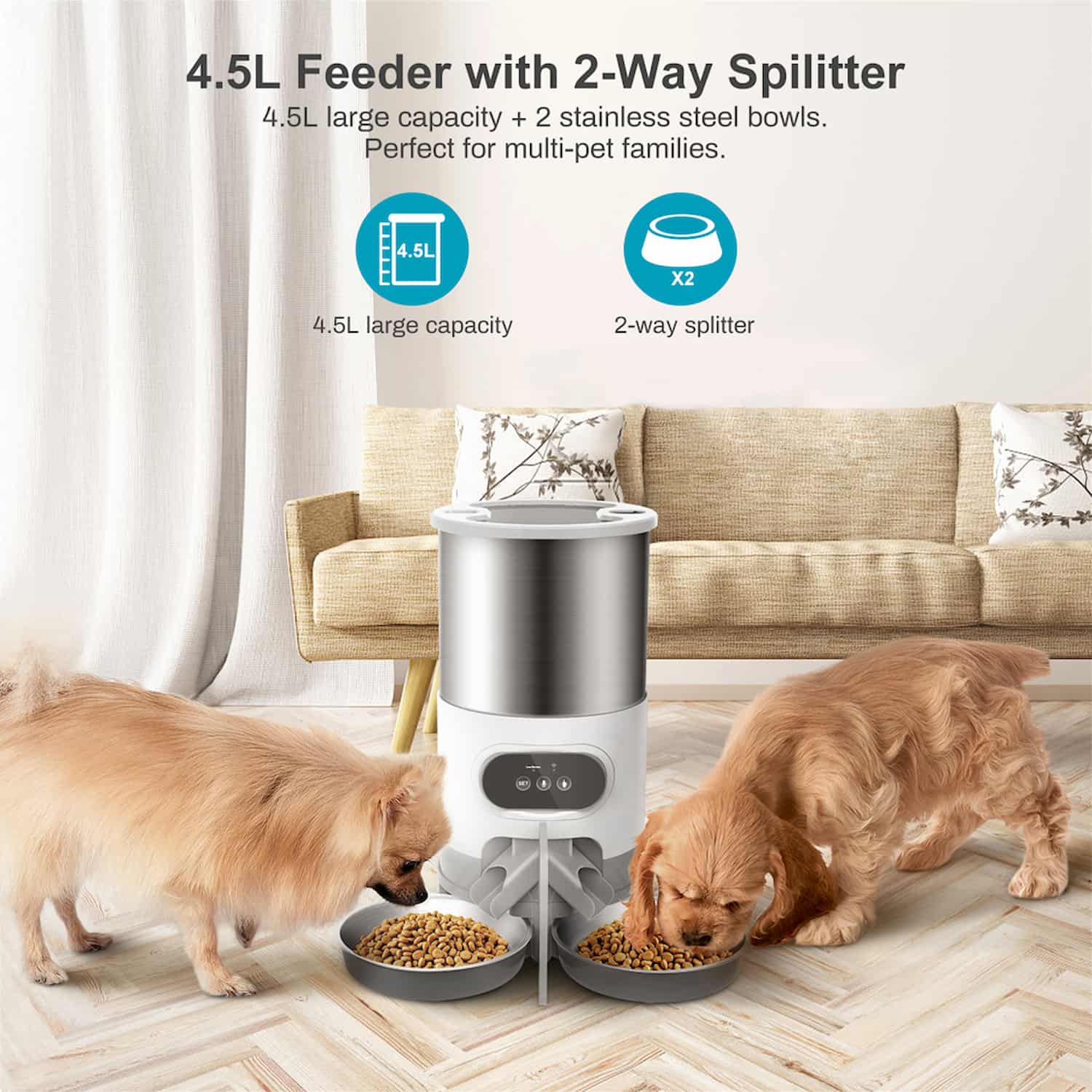
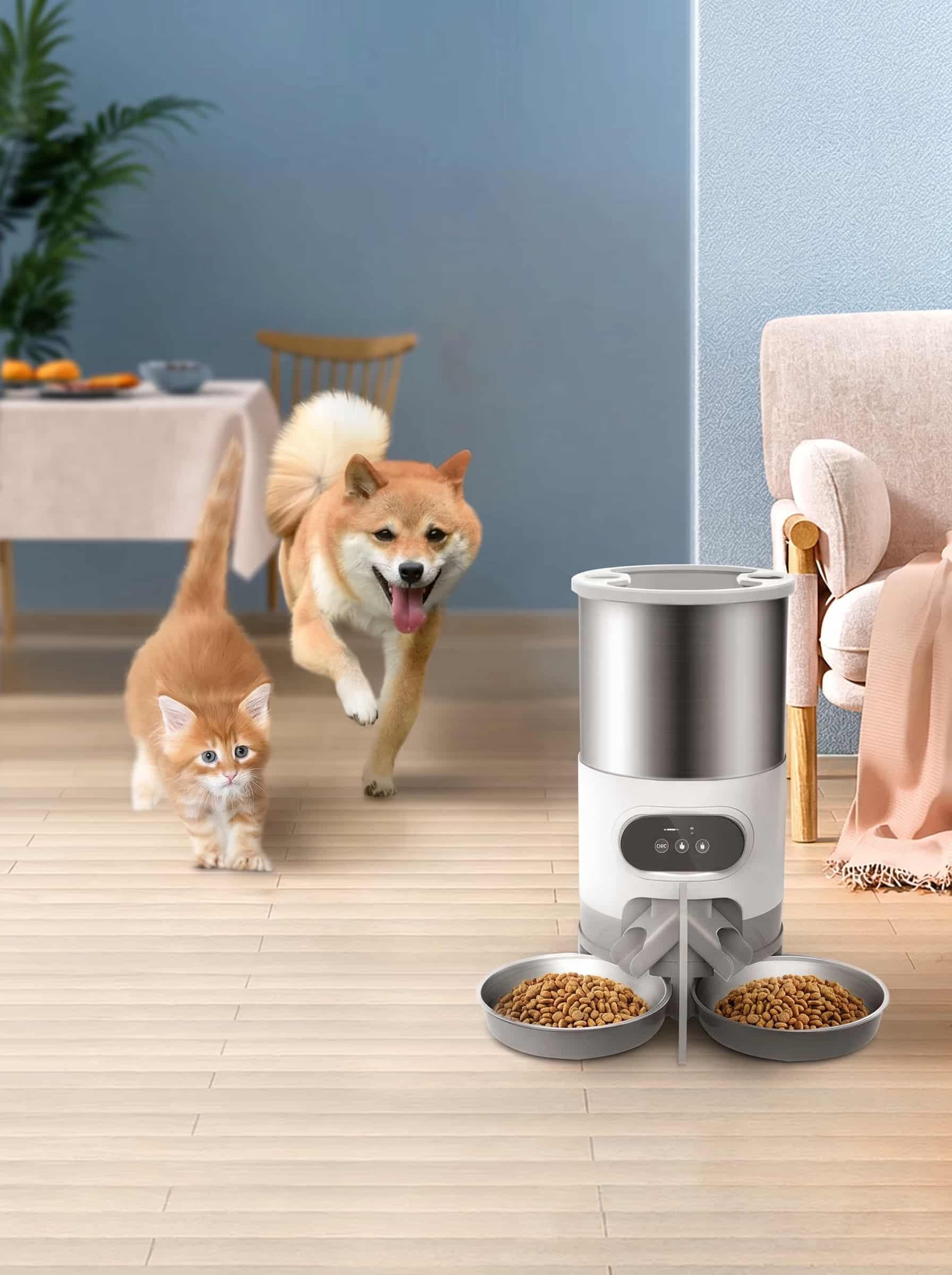
Two pets crowding a single bowl means one eats fast and the other misses out. DuoBowl drops each scheduled meal through a two-way splitter into two stainless steel bowls, so both get their share at the same time.
🍽️ One drop, two bowls
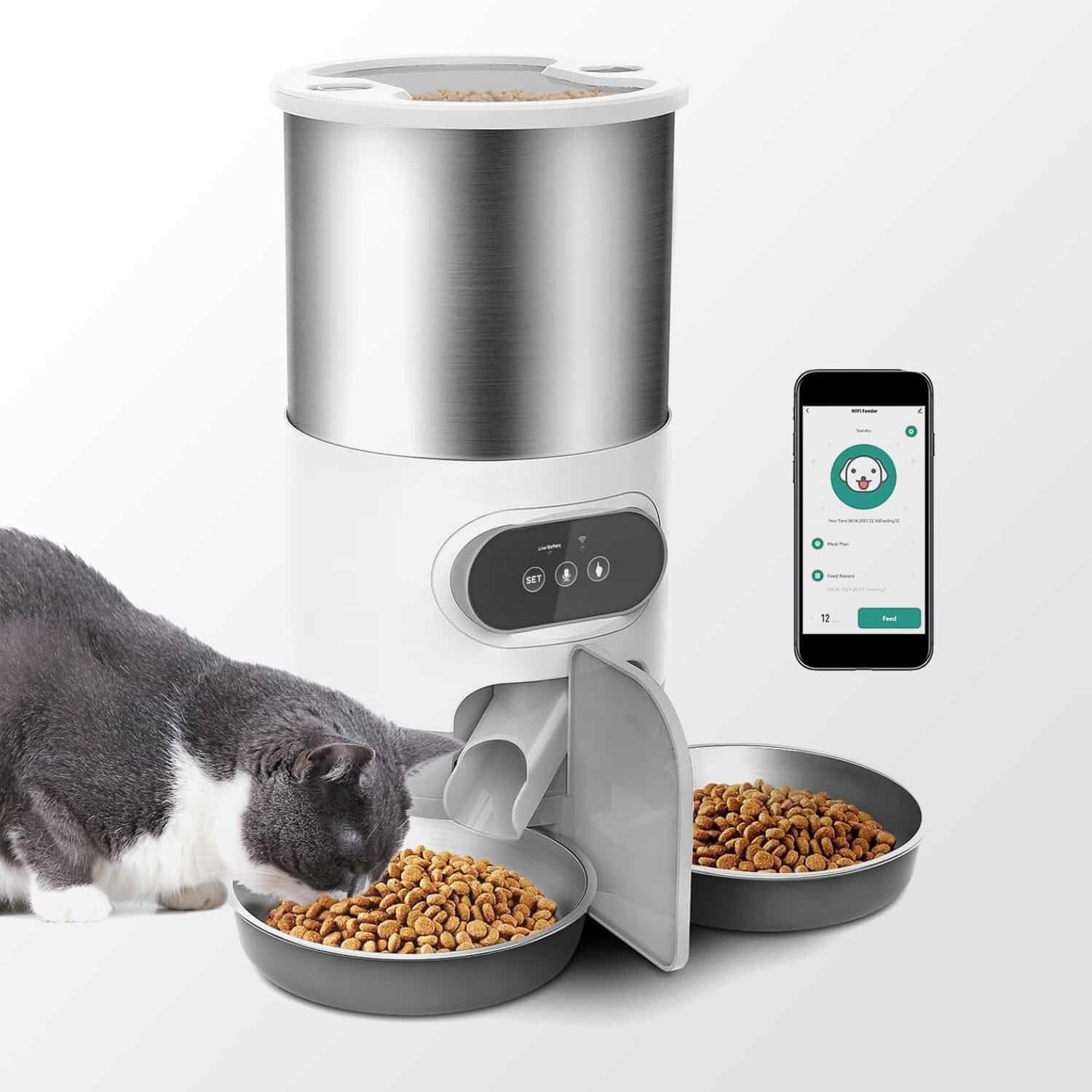
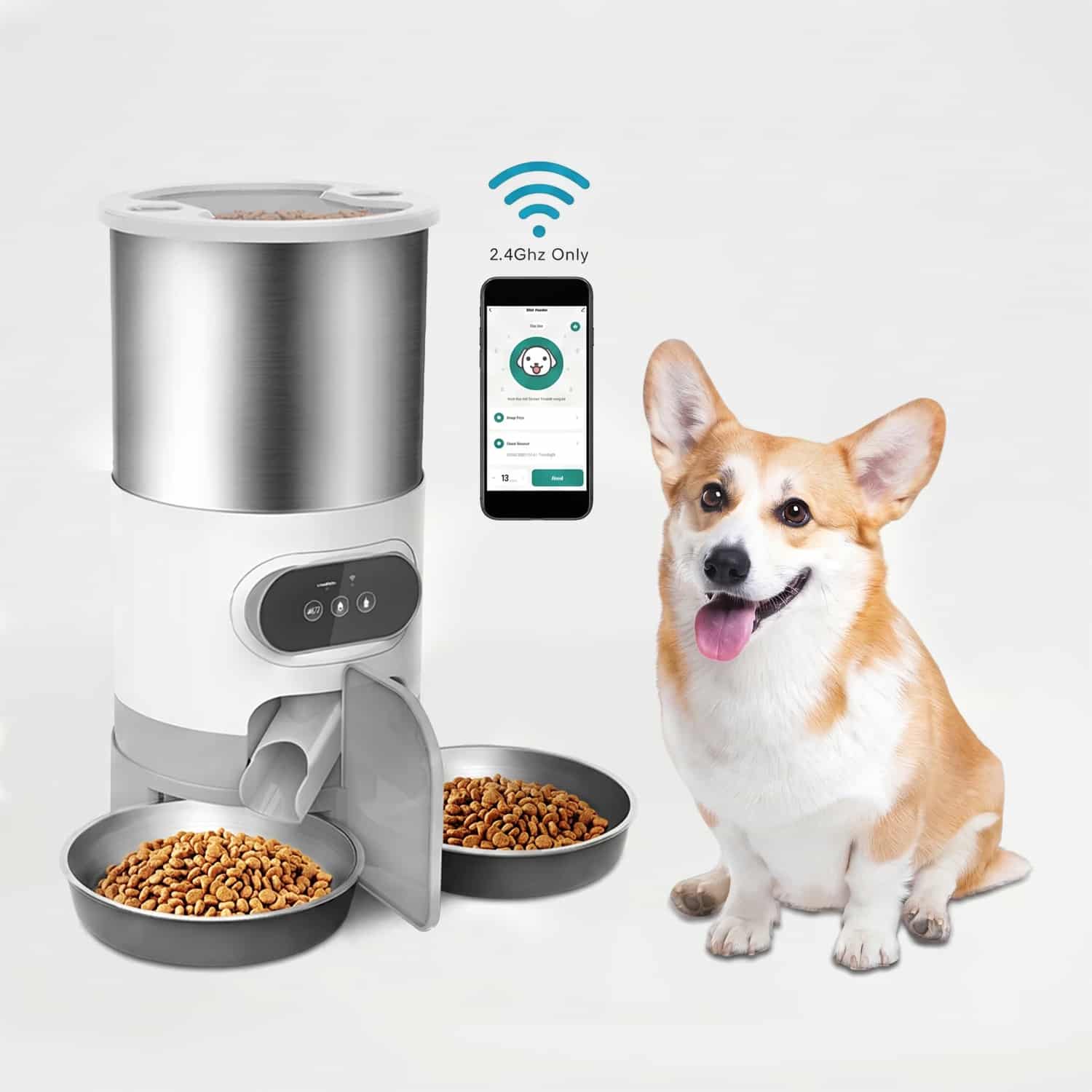
A two-way splitter under the hopper divides each serving evenly between two bowls, so two pets eat side by side instead of racing for one dish. Both bowls get the same split, so you set the meal once and it feeds the pair.
📱 Feed on schedule or on demand
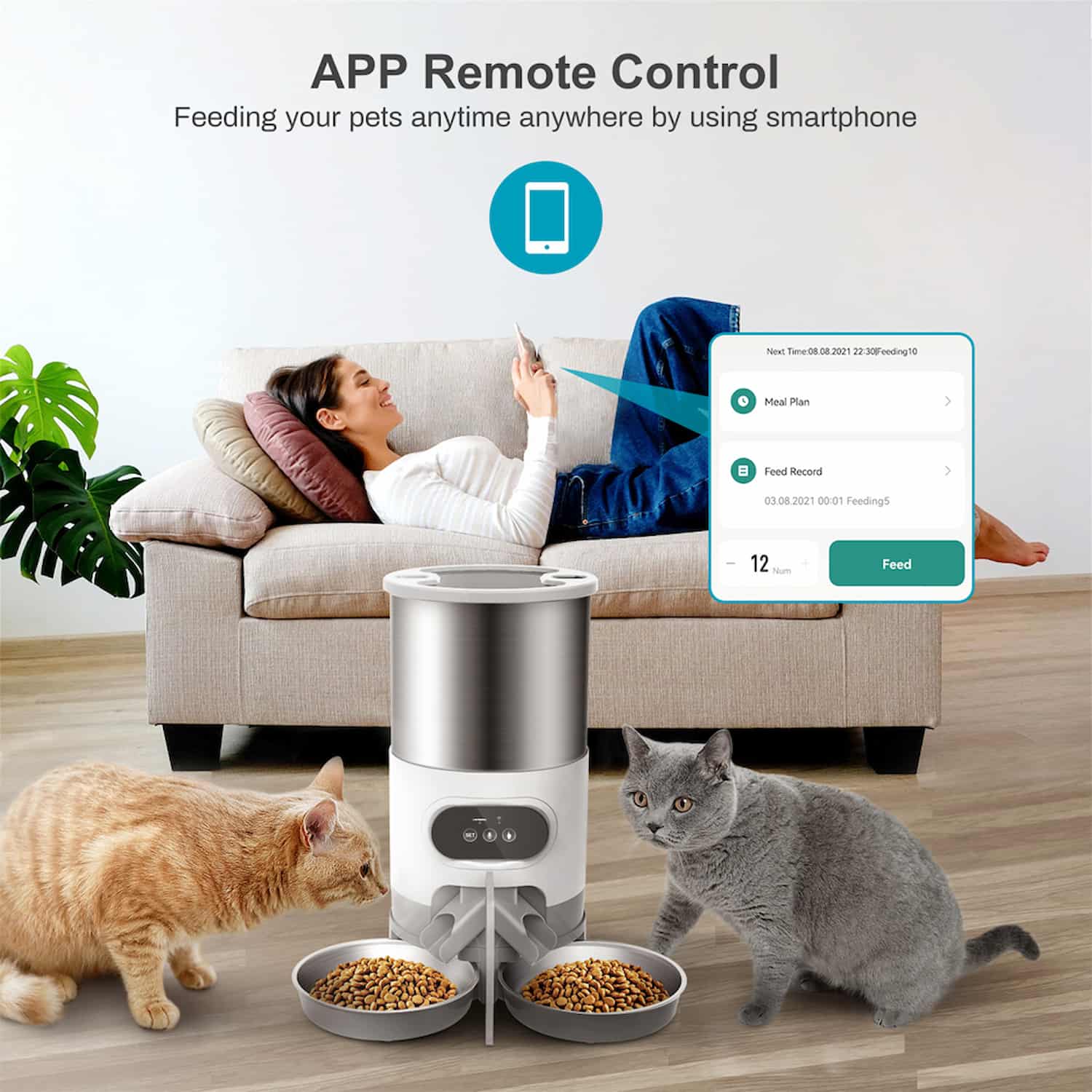
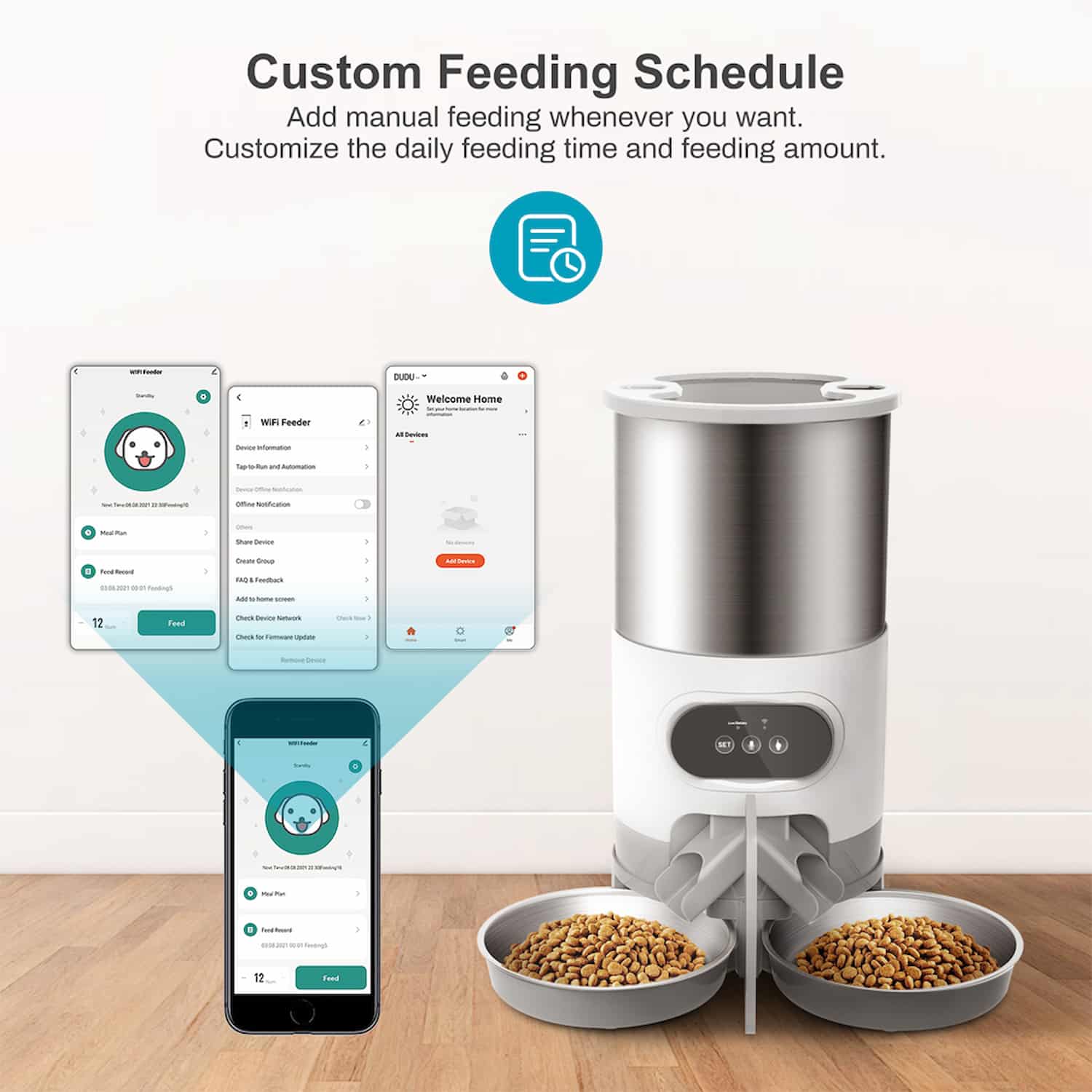
Set meal times and portions in the app for the days you choose, or tap feed from your phone when you are out. A short press of the button on the feeder also drops one portion when you are home.
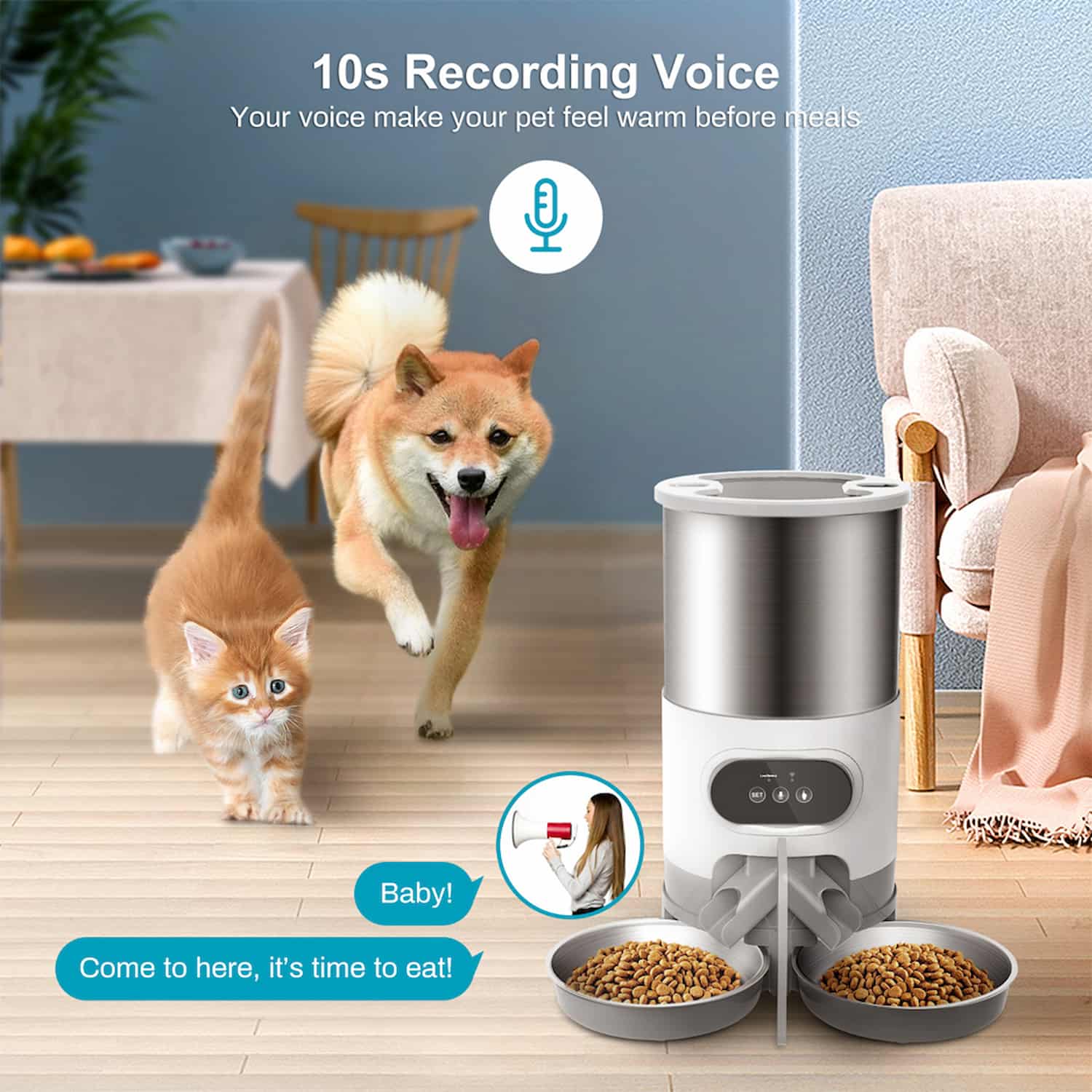
🎙️ Call them in your voice
Record up to 10 seconds of your voice, and it plays at every meal so your pets come to a familiar sound. A button lock keeps a curious paw from triggering an extra serving.
🔌 Stays fed through an outage
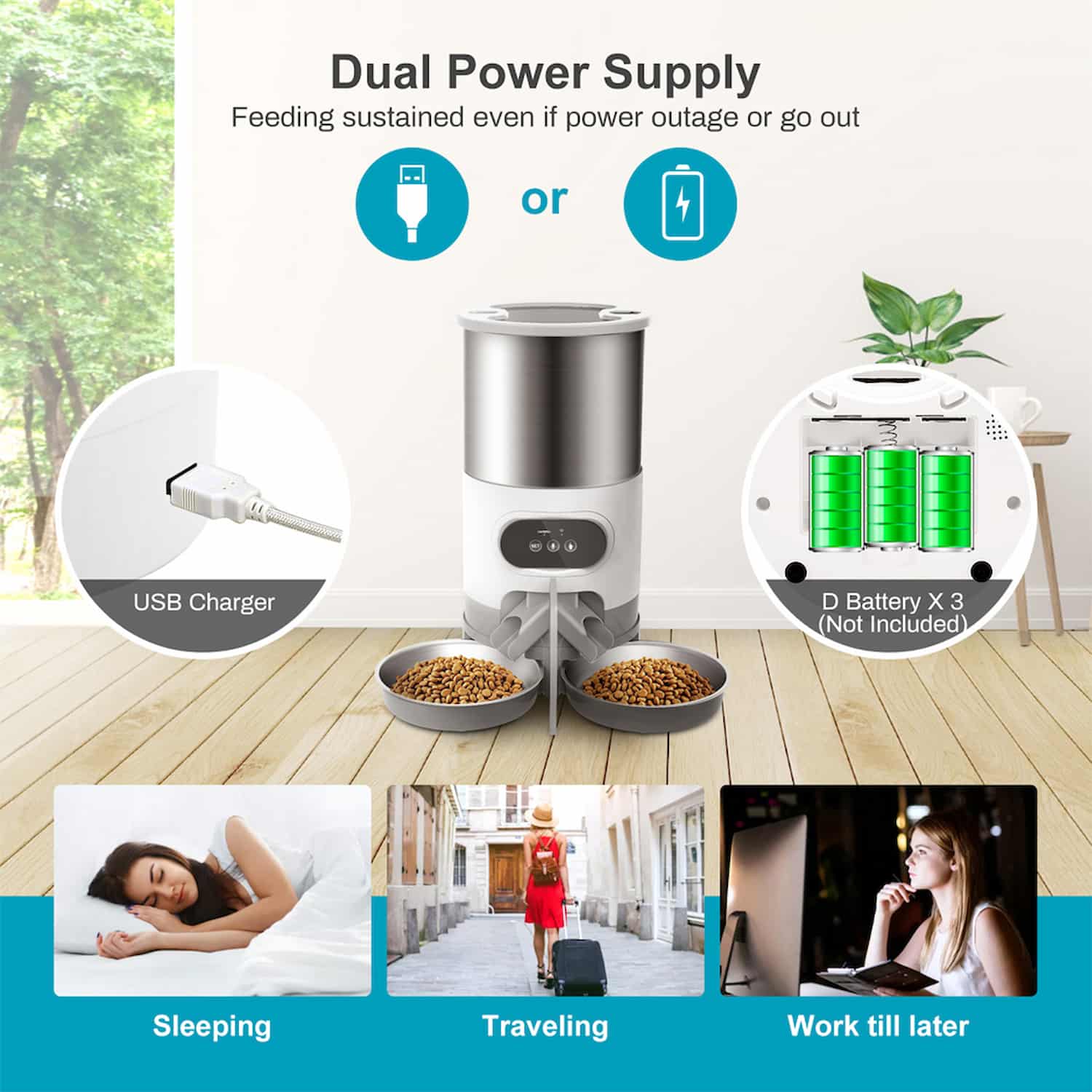
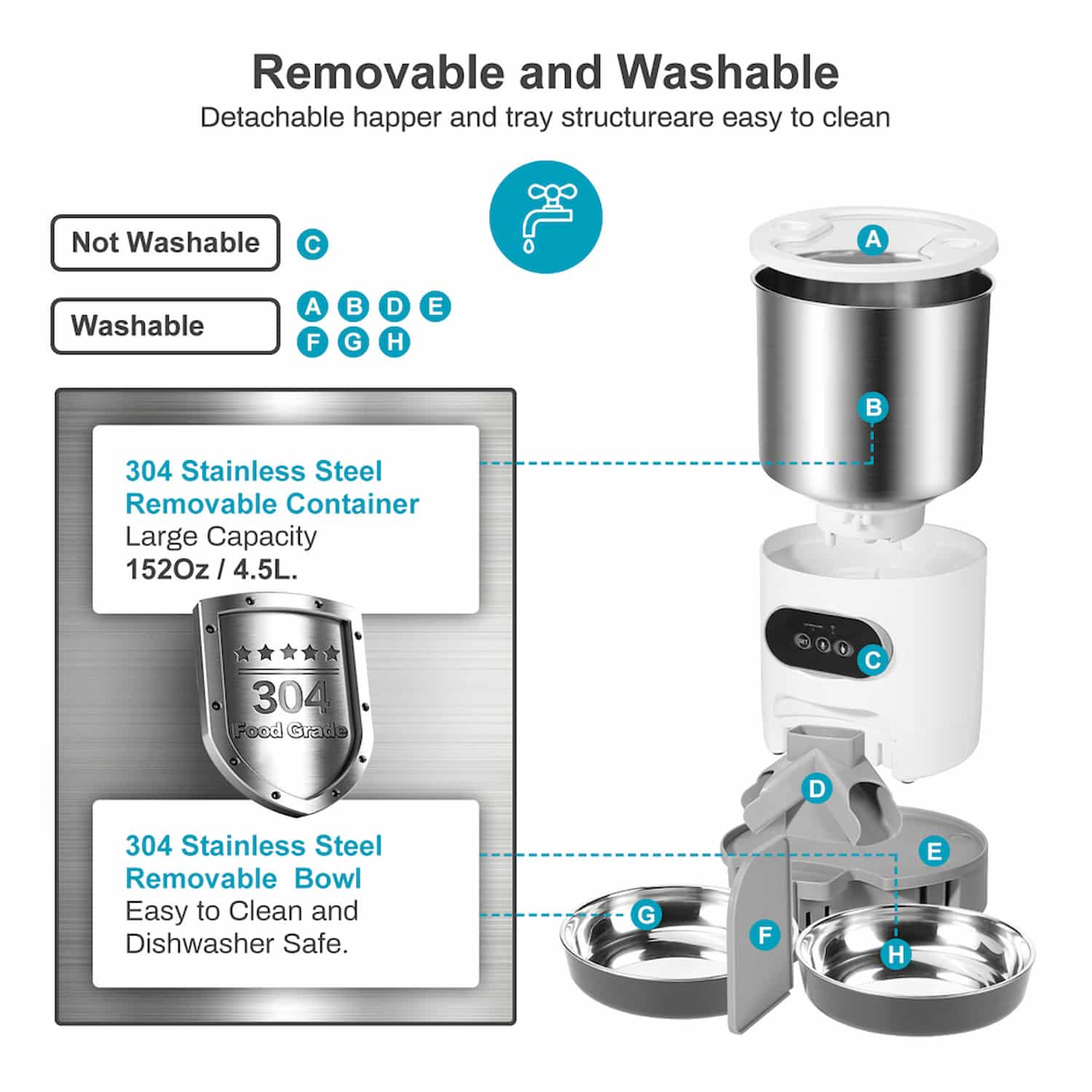
It runs on the USB power adapter, with 3 D-cell batteries as backup so a power cut will not skip the schedule. The stainless steel bowls and tray lift out to rinse under water.
Split, Scheduled, And Backed Up
DuoBowl runs from the app when you are away and from the button when you are home, and every meal splits into two bowls. Here is how it works.
Connects through the free Smart Life app on 2.4 GHz wifi, dry food only. Both bowls get the same split, so it feeds two pets at once rather than locking a bowl to one pet. The 3 D-cell backup batteries keep the schedule running through a power cut and are not for everyday use.
Everything You Need To Know
Frequently Asked Questions
Getting Started
In The Box
- Feeder with hopper
- Two-way splitter and two stainless bowls
- USB cable and power adapter
- User guide
Key Settings
- Scheduled meals and portions, daily or set days
- Manual feed, one portion per press
- Voice recording up to 10 seconds
- Button lock and device sharing
Care
- Keep the top unit dry, never rinse it. Pull the head off to open the tank
- Wash the bowls, tray, and splitter with water, and dry before refitting
- Dry food only, no wet or semi-dry
- Keep the feeder within about 33 feet of the router
What Pet Parents Say
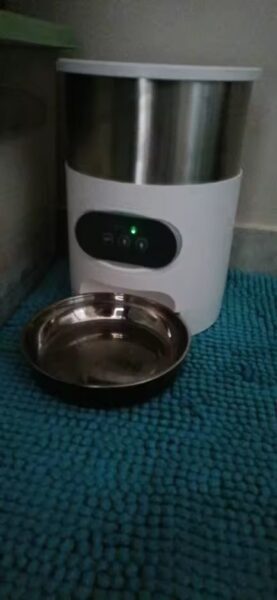
At the moment, it works very well and makes little noise when the feed comes out. Both the container where the food goes and the feeder can be removed, which greatly facilitates cleaning. The shipping was also very fast.
It's bigger than I thought, the design is beautiful, it arrived very quickly before the estimated date.
I love this thing 😍
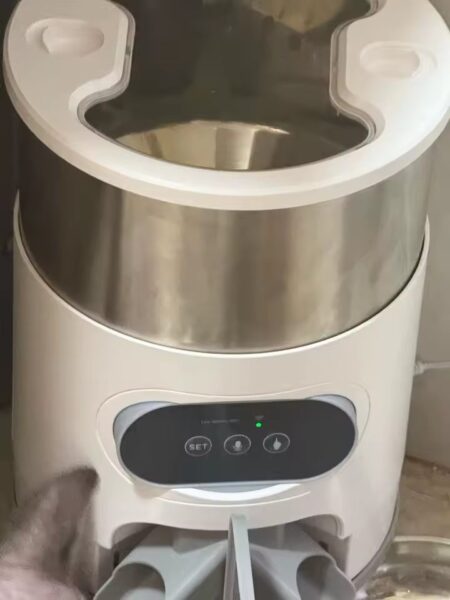
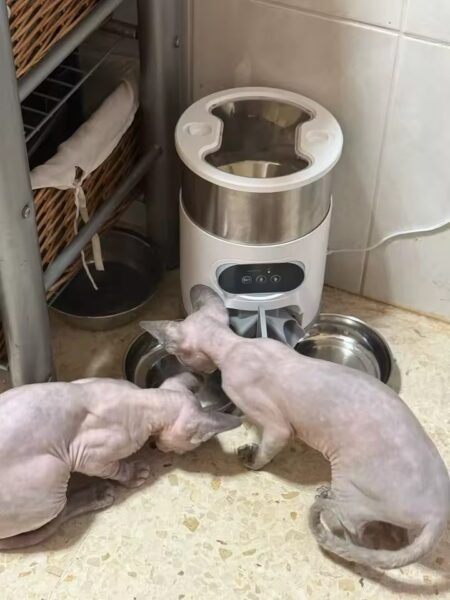
It arrived very quickly, came well-packaged, easy to use, connects with USB, you download the app and can manage it from your mobile, you can also use it manually and it works perfectly, I recommend this feeder.
The plates are wide enough works well through a direct Wi-Fi connection to the phone, easy to operate, the only problem that the speaker built into the device is really weak and almost unusable for recording there.
Excellent idea, works perfectly and my cats no longer spend the day eating.
It has been working for not even a week, everything is fine for now, I haven't found any issues, I hope it stays like this for a long time.